Swap a ProductUpdated 3 months ago
Want to add a one-time or subscription product to your subscriptions? Follow these steps:
2. Select the "Subscriptions" tab from the dropdown menu.
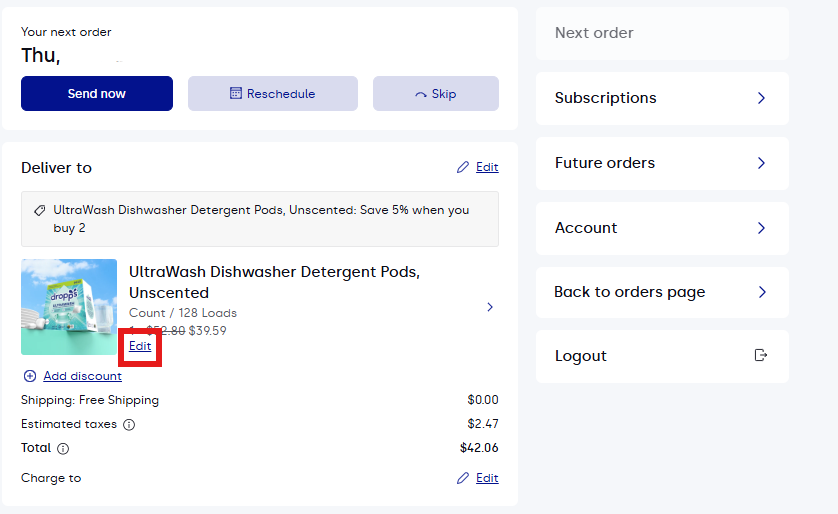
3. Select "Edit" below the subscription you'd like to swap.
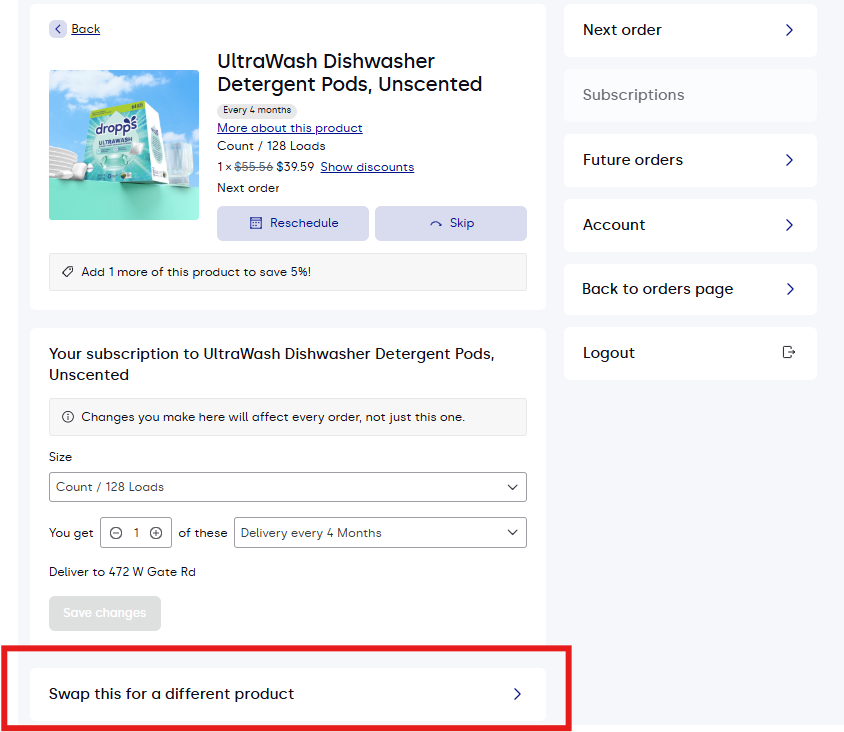
4. Select "Swap this for a different product".
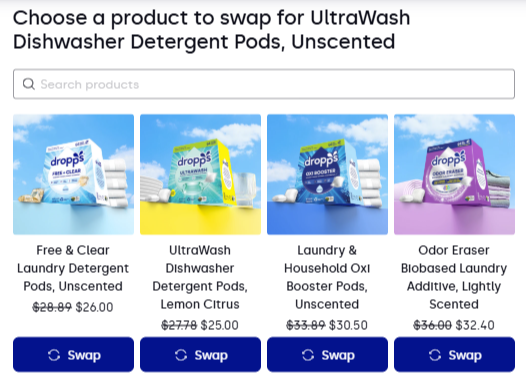
5. Click "Swap" under the product you would like to begin receiving.
6. Confirm the date, frequency, product, and size of the new product subscription match your needs, than confirm the swap by clicking "Swap Product'
If you need any assistance with this process, just send us a message at [email protected] - we're here to help!